Separator page
This page can be used as a separator. Simply open the page, enter a title (and optional Markdown description), and you've got an arbitrarily-named tab in your browser now.
Screenshots
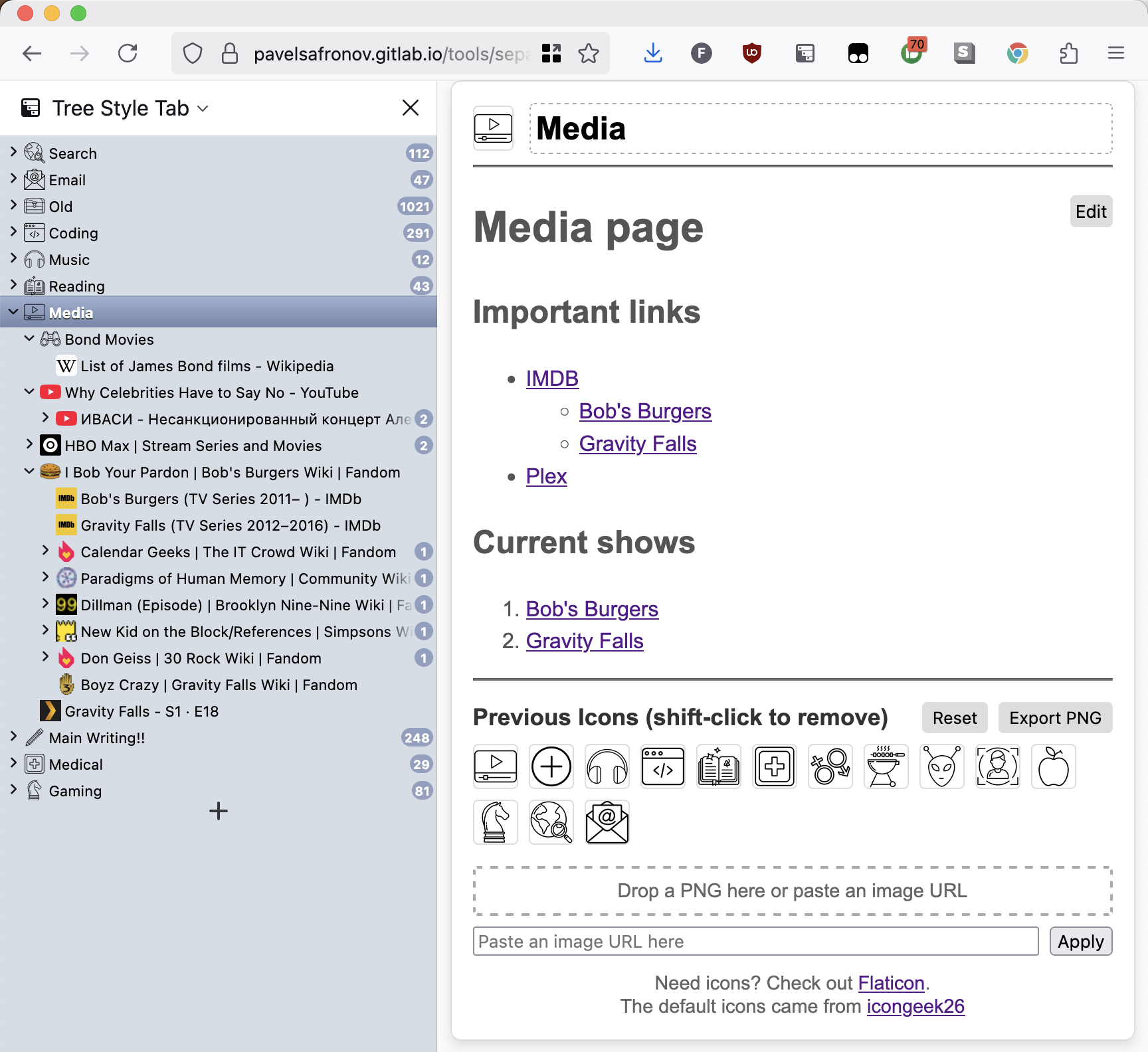
This screenshot shows the separator page being used to organize trees of tabs in Firefox. The separator page has a custom favicon. The tree-like structure is provided by the Tree Style Tab extension.
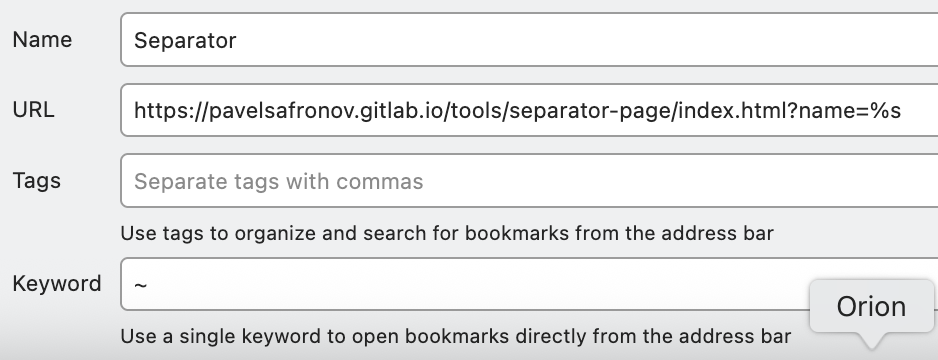
This screenshot shows how to add the separator page to your bookmarks, so you can quickly create new separator pages with custom titles.
Usage
- Create a bookmark to this page in your browser:
https://apps.fuzzyworld.net/tools/separator-page/index.html?name=%s - Assign the bookmark a Keyword, for example
~ - Navigate to
~ Projectin your browser to get a new separator page with the title "Project"
Moving from the old address
The page used to live at pavelsafronov.gitlab.io/tools/separator-page/. Browsers keep local storage per site, so the new address can't see the old data directly. The old address now has a redirect page that, for a separator tab (?tab=<id>), reads that tab's title, text and icon (plus the icon history) from its local storage and passes them in the URL (#migrate=...). This page imports them once, only when the visitor arrives from the old address and the tab doesn't already exist here. Open each old tab once, in the same browser, to bring it over.